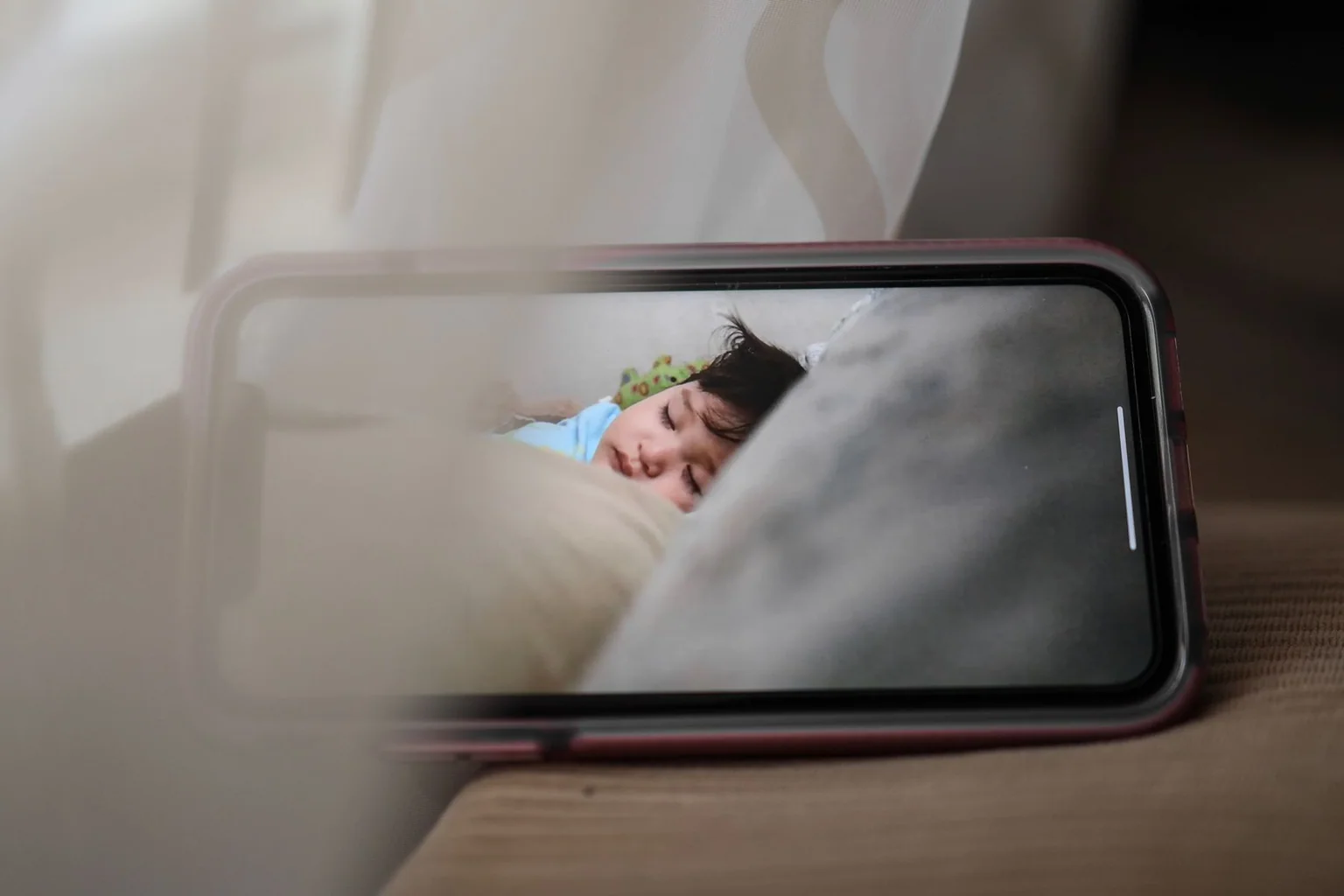
Baby monitors divide into local-display systems and internet-connected cameras. Local systems reduce account setup and remote access, while connected models offer phone viewing and notifications but add home-network, account and subscription considerations.
We reviewed current product documentation, manuals, privacy features and stated alert functions. We did not assess medical accuracy, and none of these consumer monitors should be treated as a medical device or a replacement for safe-sleep guidance.
Quick picks
| Product | Best for | Key feature | Price tier |
|---|---|---|---|
| Infant Optics DXR-8 Pro SSBest local-video system | Parents who do not want app-dependent viewing | Dedicated display with interchangeable-lens camera | Premium |
| eufy SpaceView ProBest simpler local alternative | Dedicated-screen viewing with a large battery focus | Camera and handheld monitor without routine Wi-Fi use | Mid-range |
| Nanit Pro CameraBest connected app experience | Phone-based viewing and optional sleep features | Over-crib connected camera with app access | Premium |
| Motorola PIP1710 ConnectBest hybrid viewing option | Households wanting both a parent unit and app access | Dedicated display plus connected remote viewing | Mid-range |
Our researched picks
Best local-video system
Infant Optics DXR-8 Pro SS
The DXR-8 Pro SS uses a dedicated parent unit and local connection, avoiding routine cloud viewing. Its camera and display system suits homes that value a self-contained monitor more than remote phone access.
Key specifications
- Dedicated parent display
- Pan, tilt and zoom camera controls
- Interchangeable lens system
Pros
- No phone required for routine use
- Local viewing model
- Expandable camera support
Cons
- Parent unit must be charged
- No remote viewing outside local range
- Premium hardware cost
Best simpler local alternative
eufy SpaceView Pro
SpaceView Pro is another dedicated-screen option for households that prefer a closed local system. Its value is the simpler connection model rather than unverified claims about sleep or health.
Key specifications
- Dedicated display
- Pan and tilt camera
- Two-way audio and night viewing
Pros
- No phone dependency
- Straightforward household sharing
- Local camera-to-display system
Cons
- Remote access is limited
- Display adds another device to charge
- Exact regional model availability varies
Best connected app experience
Nanit Pro Camera
Nanit offers a polished connected-camera ecosystem with phone viewing and optional insights. It is best evaluated as a camera service with ongoing account and subscription decisions, not as a medical safeguard.
Key specifications
- Wi-Fi connected camera
- Mobile-app viewing
- Optional subscription features
Pros
- Remote phone access
- Flexible notifications
- Established connected ecosystem
Cons
- Depends on network and account security
- Some features require subscription
- Over-crib placement needs careful installation
Best hybrid viewing option
Motorola PIP1710 Connect
The PIP1710 Connect combines a dedicated parent unit with optional app viewing. It fits caregivers who share monitoring duties but should be configured with the same account and network care as any connected camera.
Key specifications
- Dedicated parent display
- Wi-Fi app access
- Pan, tilt and zoom camera functions
Pros
- Two viewing methods
- Useful for multiple caregivers
- Current hybrid product
Cons
- More setup complexity
- Cloud features increase privacy surface
- Depends on continued app support
How we evaluated
We separated local-only, connected and hybrid systems, then compared viewing method, account dependence, camera controls, expandability, manuals and placement warnings. We did not rank image quality through hands-on testing.
We excluded claims that a consumer monitor prevents sleep-related harm. Alerts can fail because of placement, connectivity, battery or settings, so caregivers still need safe-sleep practices and direct checks.
Buying guide
Choose the connection model
Local systems are simpler and private by design; connected systems add remote access with more account and network responsibility.
Secure every connected account
Use a unique password, current firmware and multifactor protection when available. Remove access for old caregivers and devices.
Keep cords out of reach
Follow the manual’s mounting and clearance rules. Reassess placement as a child grows and can stand or reach.
Test alerts and outage behavior
Learn what happens when Wi-Fi, power or the parent-unit battery fails. Do not assume every alert reaches every device.
Avoid medical interpretation
Consumer camera and sleep analytics are not a diagnosis. Discuss health concerns with a qualified clinician.
FAQ
Is a Wi-Fi baby monitor safe from hacking?
No connected device is risk-free. Keep firmware current, use strong unique credentials and limit remote access to the people who need it.
Do I need a subscription?
Local viewing usually does not. Connected brands may reserve history, analytics or advanced alerts for paid plans, so check current terms.
Can a monitor prevent SIDS?
A consumer monitor should not be represented as preventing SIDS. Follow current safe-sleep guidance and consult a pediatric professional about medical concerns.
Where should the camera go?
Use the manufacturer’s secure mounting method and cord clearances, with a view of the sleep area but nothing within the child’s reach.
What we would prioritize
Choose Infant Optics or eufy for simpler local viewing, Nanit for a connected app ecosystem, or VTech for a hybrid setup. Safe placement and account hygiene matter more than premium analytics.
Sources and verification
Product availability was checked on . Manufacturer pages remain the final reference because specifications and compatibility can change.
- NIH Safe to Sleep — safe sleep environment — Safe-sleep guidance independent of monitor marketing.
- Infant Optics user manual — Placement, cord and operating warnings.