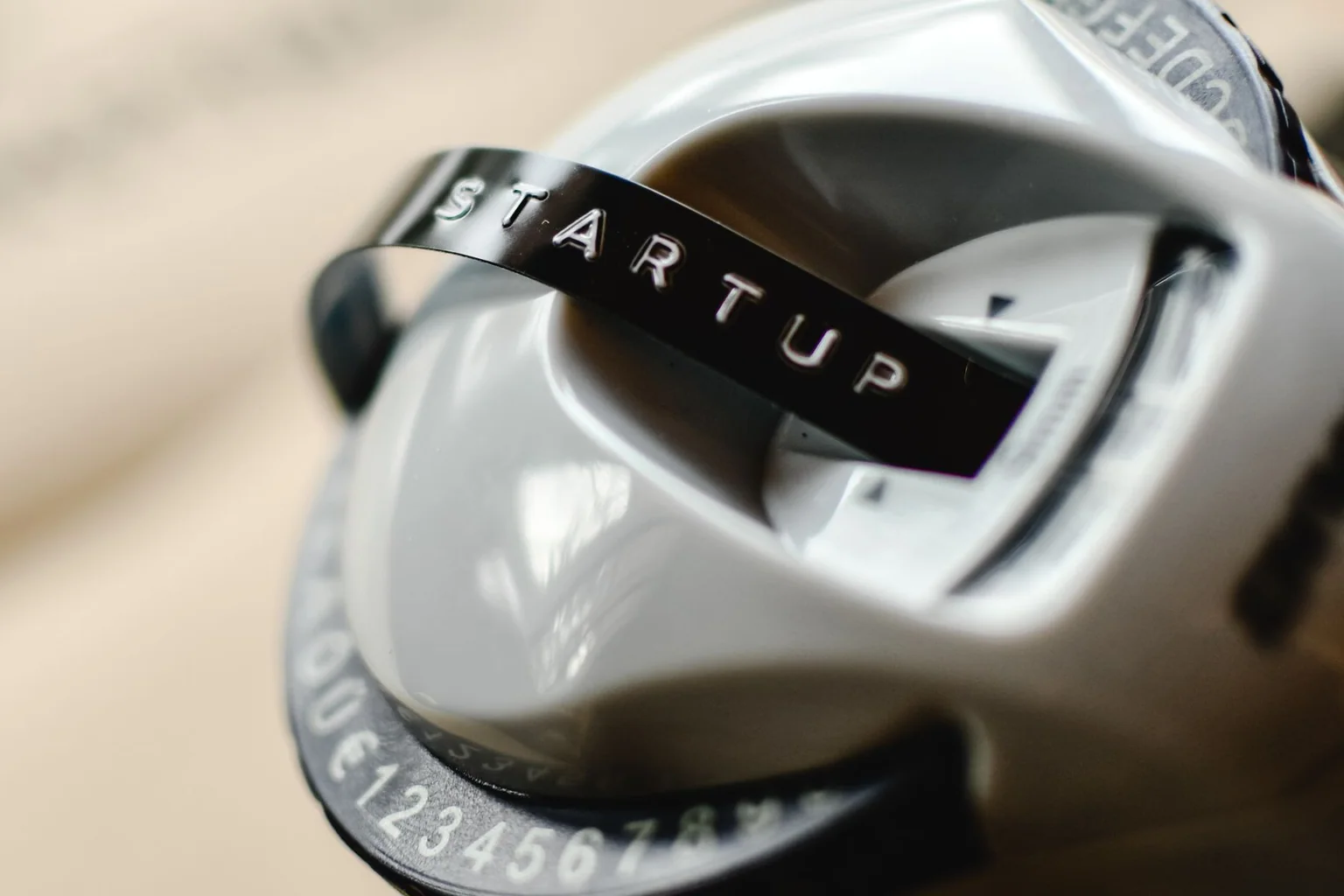
Label makers range from simple handheld keyboards to app-controlled printers and industrial tools. The right format depends on where labels are created, what surfaces they must survive and whether several people need a repeatable template.
We reviewed current manufacturer documentation for print method, supported tape families, maximum width, power, connectivity and warranty. We did not perform adhesion or abrasion testing, so tape durability remains a manufacturer specification and surface-preparation issue.
Quick picks
| Product | Best for | Key feature | Price tier |
|---|---|---|---|
| Brother P-touch CUBE Plus PT-P710BTBest app-connected option | Home offices and template-heavy labeling | Phone and computer design without a built-in keyboard | Mid-range |
| DYMO LabelManager 280Best rechargeable handheld | Desks, classrooms and shared supply rooms | QWERTY keyboard with rechargeable battery | Mid-range |
| Epson LabelWorks LW-PX300Best for tougher labels | Workshops, cables and occasional field use | Industrial-oriented tape choices in a compact body | Mid-range |
| Brother P-touch PT-D220Best budget standalone model | Straightforward household and office labels | Portable QWERTY keyboard using widely available TZe tape | Budget |
Our researched picks
Best app-connected option
Brother P-touch CUBE Plus PT-P710BT
The CUBE Plus suits users who prefer designing on a phone or computer and want more layout flexibility than a small handheld display. Its value depends on accepting app or desktop software as part of every labeling session.
Key specifications
- Bluetooth and USB connectivity
- Uses Brother TZe tape family
- Rechargeable battery on current model
Pros
- Flexible layouts
- Compact printer body
- Works with mobile and desktop software
Cons
- No standalone keyboard
- Software is part of the workflow
- Tape cost varies by width and finish
Best rechargeable handheld
DYMO LabelManager 280
The LabelManager 280 keeps the immediate handheld workflow while adding computer connectivity for more complex layouts. It is useful where most labels are simple but occasional batch design is valuable.
Key specifications
- Built-in QWERTY keyboard
- Rechargeable battery pack
- Computer connection for DYMO software
Pros
- Works without a phone
- Familiar keyboard layout
- Rechargeable portable format
Cons
- Small display
- DYMO tape ecosystem required
- Desktop software support should be checked
Best for tougher labels
Epson LabelWorks LW-PX300
The LW-PX300 is a bridge between household labelers and larger industrial machines. Epson’s LabelWorks PX range includes specialty tapes and an unusually explicit warranty program, which matters for field use.
Key specifications
- Handheld keyboard design
- Multiple specialty LabelWorks PX tape types
- AC or battery operation options
Pros
- Broad specialty-tape range
- Standalone operation
- Industrial labeling focus
Cons
- Interface is less visual than an app
- Supply system differs from consumer brands
- Specialty tapes increase cost
Best budget standalone model
Brother P-touch PT-D220
The PT-D220 is the conventional choice for users who want to type and print without pairing a device. It supports a practical range of TZe tapes while avoiding features many occasional users never need.
Key specifications
- Built-in QWERTY keyboard
- Standalone thermal-transfer printing
- Uses Brother TZe tape family
Pros
- Simple immediate workflow
- Portable
- Broad tape availability
Cons
- Limited display preview
- Manual entry is slow for batches
- Batteries and adapter may be separate considerations
How we evaluated
We compared workflow first—standalone keyboard, phone, computer and field use—then tape width, supply range, power and warranty. We avoided judging print sharpness or adhesion without controlled samples.
Consumables are central to ownership cost. We checked that each system has a current tape family, but buyers should confirm local stock for the exact width, color and adhesive before selecting the printer.
Buying guide
Choose the creation workflow
A handheld keyboard is fastest for one label; phone and desktop software are better for templates and batches.
Price the tape system
Compare cost per cartridge, waste margins and local availability for the finishes you actually need.
Match tape to the surface
Cables, textured bins, fabric, outdoor equipment and smooth folders require different materials and adhesives.
Check maximum label width
A compact 12 mm label may be enough for folders but too small for shelves or equipment identification.
Plan shared use
A device tied to one phone or computer may frustrate a team. Standalone models are easier to pass around.
FAQ
Do label makers need ink?
These models use thermal-transfer tape systems rather than ink cartridges. The ribbon and label material are contained in the tape cassette.
Can I use third-party tape?
Some compatible supplies exist, but fit, adhesion and print consistency vary. Check warranty terms and use rated materials for important labels.
Why do labels peel off?
Dust, oil, low temperature, curved surfaces and the wrong adhesive are common causes. Clean and dry the surface and use a tape made for that application.
Is app control better than a keyboard?
It is better for design flexibility and batches; a keyboard is faster for a single simple label. Choose the workflow you will actually use.
What we would prioritize
Brother CUBE Plus is strongest for software layouts, DYMO balances handheld and computer use, Epson suits specialty tapes and PT-D220 keeps simple labels economical. Buy the tape ecosystem, not just the printer.
Sources and verification
Product availability was checked on . Manufacturer pages remain the final reference because specifications and compatibility can change.
- Brother P-touch label makers — Current TZe-compatible printer and supply references.